
Looking for step-by-step help? Browse the guides.
Blog
Stories and updates from the StrongFolder team — why we built a direct, private way to share files and folders, and how the product grows. For how-to articles, see the guides.
-
 Folders deserve better than ZIP We think you should stop zipping folders just to share them. Packing a big folder costs time and double the disk space, media files barely shrink,…
-
 The honest trade-off of P2P file transfer The trade-off of P2P file transfer: the sender's tab must stay open until the recipient finishes, because the files come from the sender's device,…
-
 Multilingual file sharing: why StrongFolder speaks 52 languages StrongFolder's Chrome extension is a multilingual file sharing tool: its interface is available in 52 languages and starts in the language of your…
-
 What "no file size limit" really means No file size limit means StrongFolder sets no cap on a file, a folder or a transfer. It does not mean physics disappears: your upload speed, the…
-
 Who uses StrongFolder? Four large file transfer use cases Large file transfer use cases where StrongFolder fits best share one pattern: big, folder-shaped deliveries that the recipient needs now. A…
-
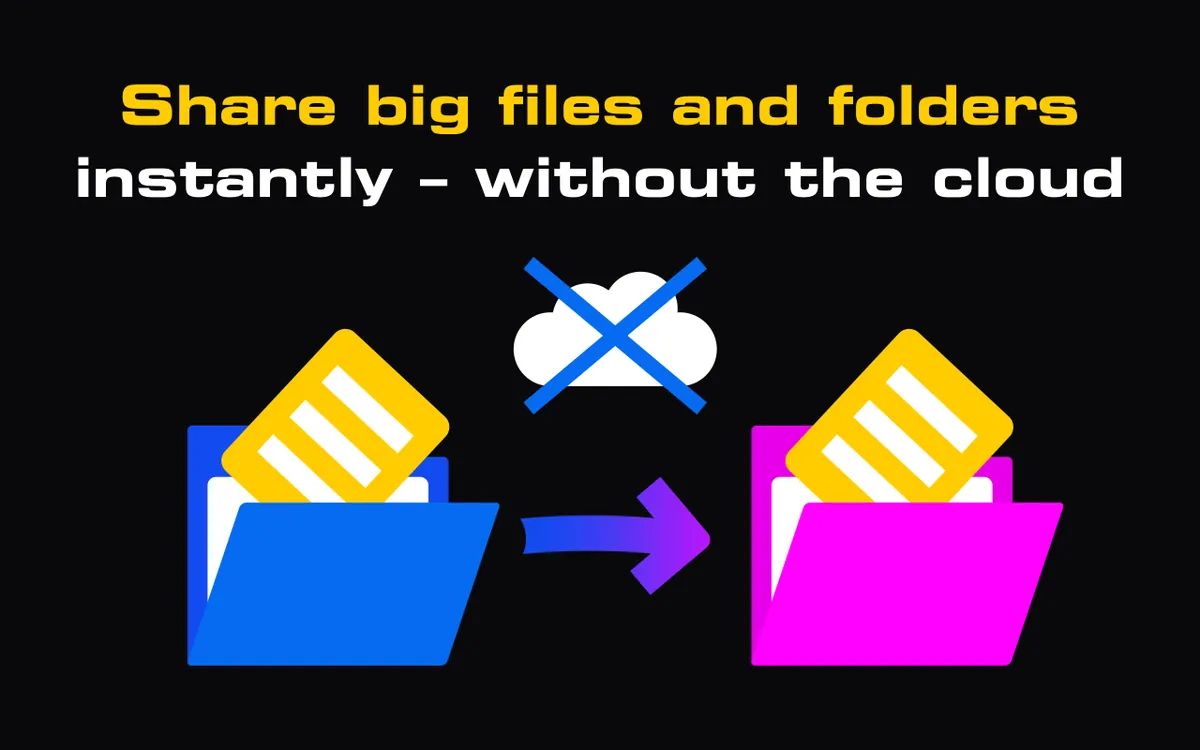 Why we don't store your files — and what we do keep StrongFolder is file sharing without storage: your files go directly from your browser to the recipient's over an encrypted WebRTC connection and…
-
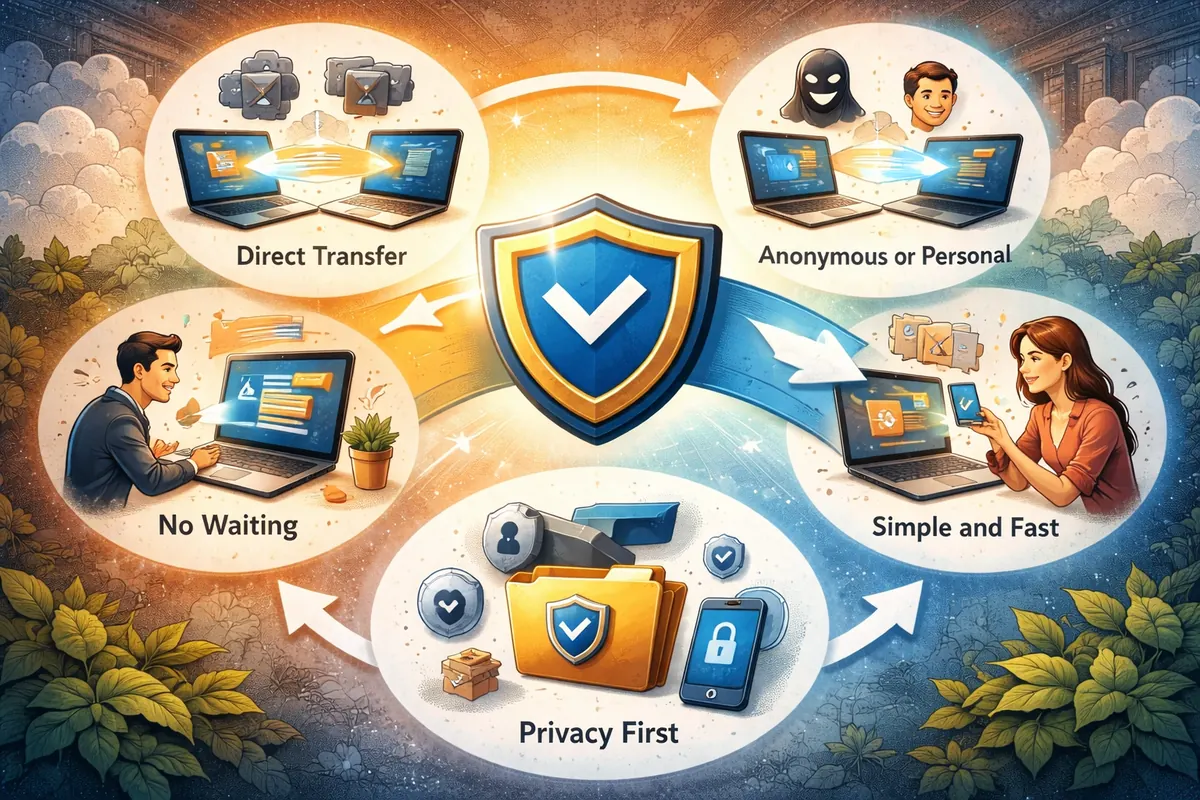 What makes StrongFolder different? Most file-sharing services store your files on their servers and send a download link. StrongFolder sends them directly from your browser to the…
-
 Why I started StrongFolder I started StrongFolder because sharing a big file or a whole project folder was still harder than it should be: cloud middlemen, copies left on…
-
 Why we built a Chrome extension for StrongFolder People don't want another heavy app — they want tools where they already work, and that is usually the browser. So we put StrongFolder in Chrome's…
Send your next file — or folder — directly
No upload, no size limit set by us, no account. Pick a file or a whole folder, copy the link, and the recipient downloads straight from your device.