









Free peer-to-peer file transfer

Send files & folders directly — no clouds, no limits.

StrongFolder is a free way to share files and whole folders directly between two browsers. Pick files or a folder, copy the link, and the recipient downloads straight from your device over an encrypted peer-to-peer connection. Nothing is uploaded or stored on a server, and StrongFolder sets no file size limit.

Free · no sign-up · folders stay folders · works in your browser

Why StrongFolder

  • No clouds

    Files go from your device to theirs. Nothing is uploaded to or stored on a server.

  • No size limit

    Send megabytes or hundreds of gigabytes — StrongFolder sets no cap.

  • Folders as folders

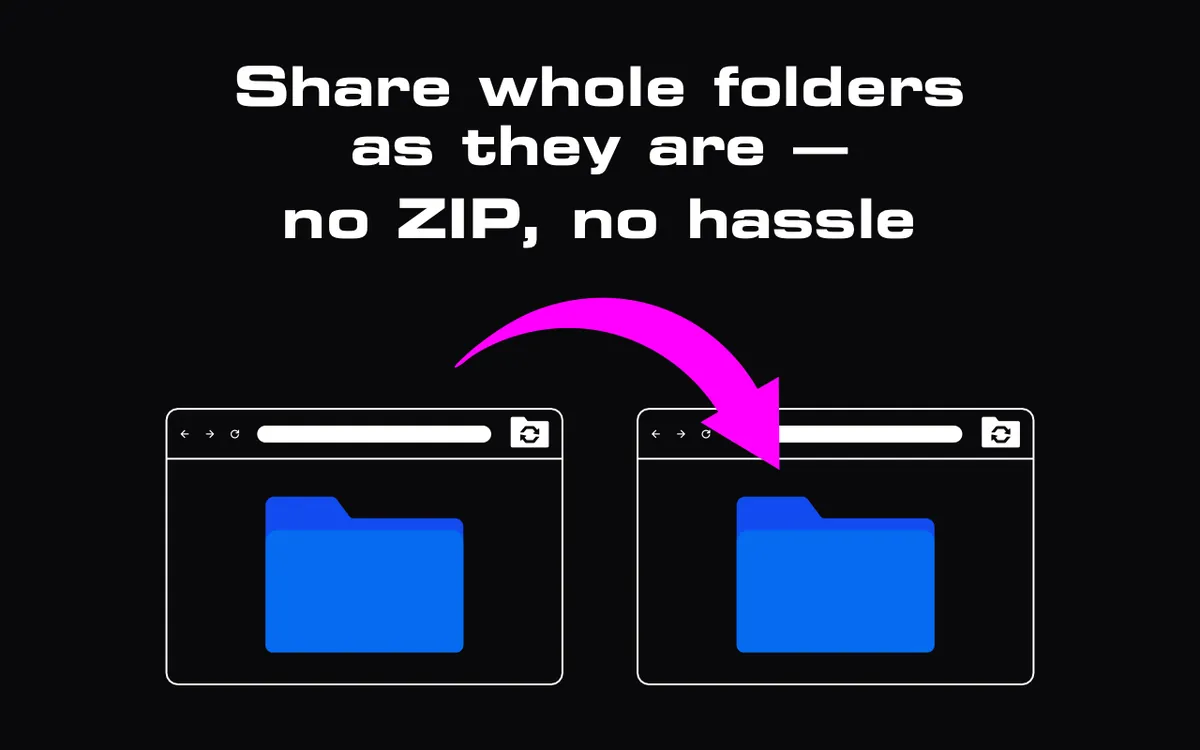
    Subfolders and file names arrive exactly as you sent them. No zipping.

  • Fast & private

    The download starts at once — there is no upload step to wait for.

How it works

Three steps, no account

  1. 1Pick

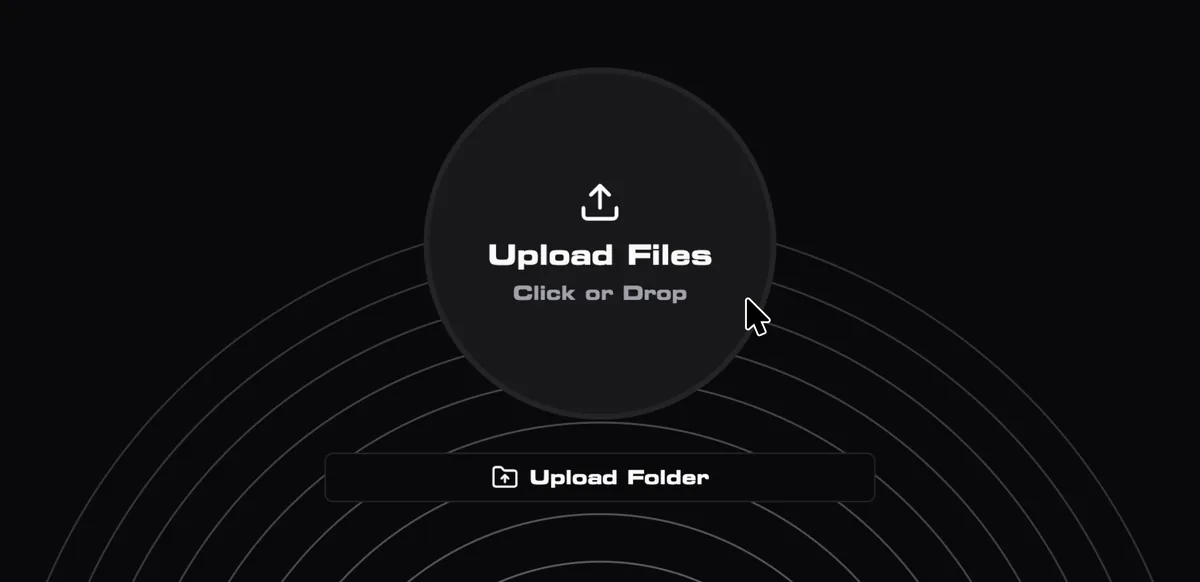
    Open StrongFolder and choose files or a whole folder.

  2. 2Share

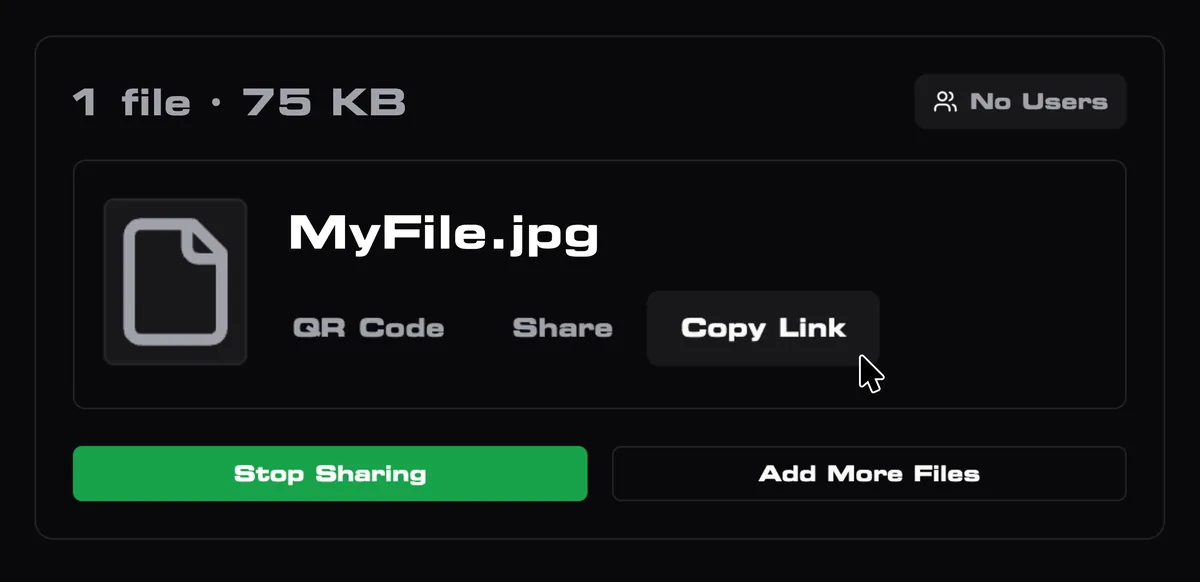
    Copy the link (or show the QR code) and send it to the recipient.

  3. 3Transfer

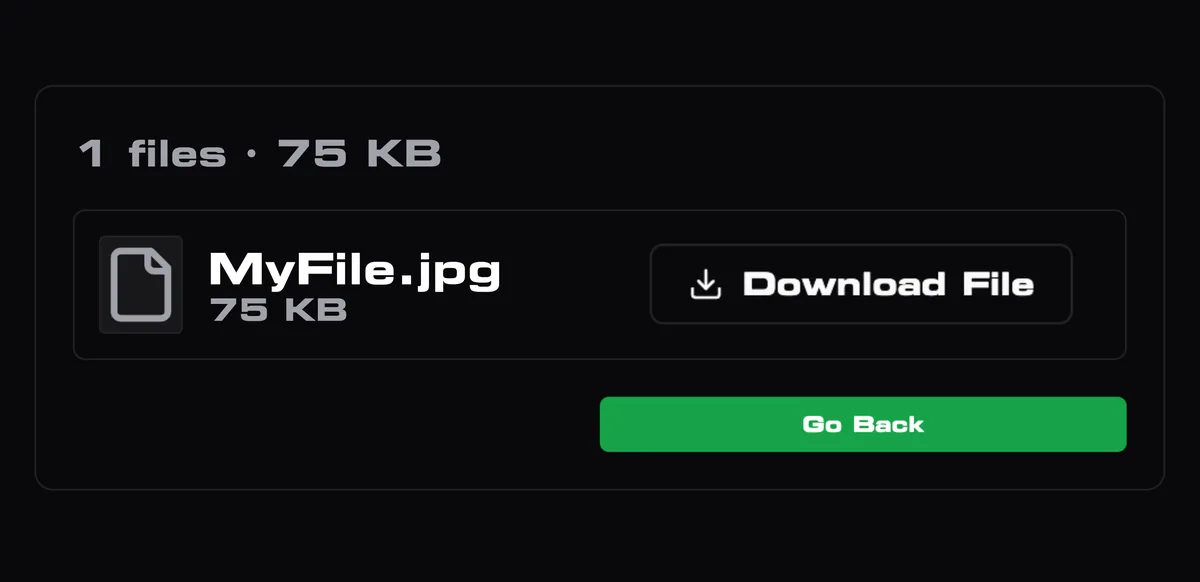
    They open the link and download directly from your device while your tab stays open.

How it works

P2P transfer vs cloud upload

What changes when files go device-to-device

StrongFolder (P2P)Typical cloud transfer
Upload before sharingNo — the download starts at onceYes — wait for the full upload
Copy kept on a serverNoYes, usually 3–30 days
File size limitNone set by the serviceOften 2–5 GB on free plans
FoldersSent with structure, no zipUsually zipped or flattened
Account to receiveNoUsually no
Sender must stay onlineYes, until the download endsNo

P2P vs cloud, explained

StrongFolder for Chrome

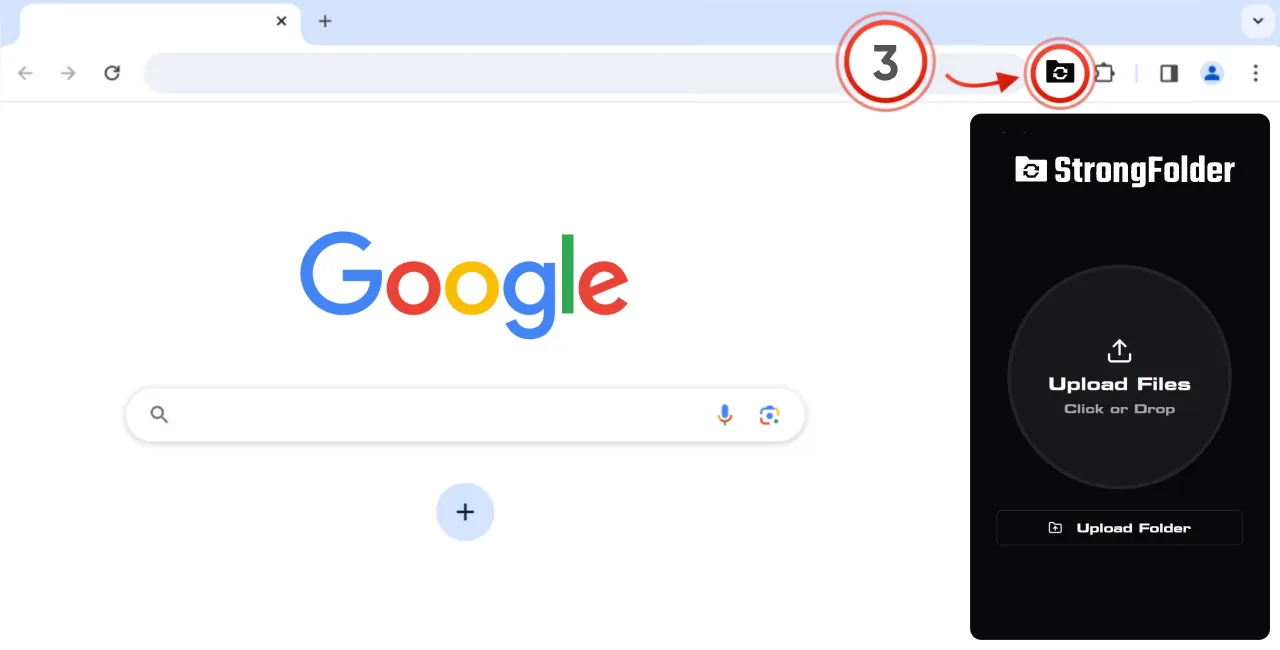
  1. 1Add the free extension
  2. 2Pin it next to the address bar
  3. 3Click it on any page and drop files or a folder
Available in the Chrome Web Store
The StrongFolder extension open in Chrome

Peer-to-peer file transfer, explained

What is StrongFolder?

StrongFolder is a peer-to-peer file transfer tool that works in the browser. Instead of uploading your files to a cloud and sending a download link, it connects your browser directly to the recipient's browser with WebRTC — the same technology browsers use for video calls. The files travel from your device to theirs while you keep the tab open.

Why send files peer-to-peer?

Cloud transfer services first upload your file to their servers, keep a copy for days, and cap the size on free plans. A direct transfer skips all three: there is no upload to wait for, no copy left behind, and no size cap from the service. The trade-off is that both devices must be online at the same time. Read the full comparison in P2P vs cloud file transfer.

Is it secure?

Every WebRTC connection is encrypted in transit with DTLS. If the two browsers cannot reach each other directly — for example behind a strict corporate firewall — the encrypted stream goes through a StrongFolder relay server that forwards it without storing it. Details: Security & privacy.

Where do I start?

Open the web app in any modern browser, or add the free Chrome extension to send with one click from the toolbar. For step-by-step instructions see How it works, and for every size and browser rule see Limits & requirements.

Frequently asked questions

Is StrongFolder free?

Yes. StrongFolder is free. There are no paid plans at the moment — every feature is available to everyone. Neither side needs an account; signing in with Google is optional and only keeps a list of your transfers.

Is there a file size limit?

No size limit set by StrongFolder. The practical limits are free disk space on the recipient's device, connection speed, and how long both devices stay online.

Are my files stored on your servers?

No. Files are never uploaded to or stored on a StrongFolder server. To create the link, the service keeps transfer metadata: file and folder names, sizes and the number of files.

Do I have to keep the tab open?

Yes. The sender's browser tab must stay open and online until the recipient finishes downloading — files come from the sender's device, not from a server. If you can't stay online, a cloud link is the better tool — see P2P vs cloud.

Can I send a whole folder?

Yes. Folders are sent as folders: subfolders and file names are kept, nothing is zipped. Saving a whole folder with its structure uses the File System Access API: Chrome, Edge, Opera and other Chromium browsers on a computer. Other browsers can download the files one by one or as a ZIP.

Does the recipient need to install anything?

No. The recipient opens the link in a browser and downloads. Only the sender may choose to use the Chrome extension.

Read more

Send filesAdd to Chrome