
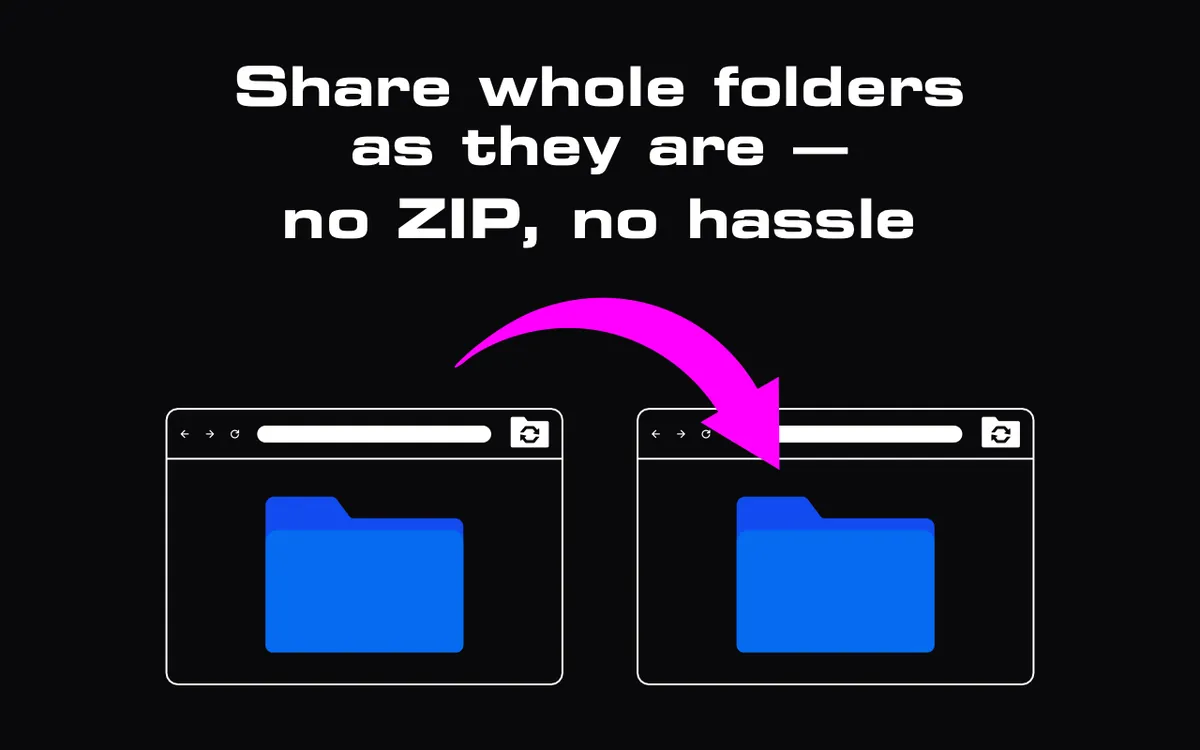
Right-click, "Compress", wait, attach, send. Then the recipient downloads, right-clicks, "Extract", waits again. Most of us do this without thinking — it is how folders have been sent for decades. I think it is time to stop zipping folders just to share them. The ZIP format dates back to 1989, when the problem was squeezing documents onto floppy disks and slow modems. Our folders today are video projects, photo shoots and code repositories, and the old habit costs more than it saves.
Why do we zip folders at all?
Because most sharing channels carry single files. An email attachment is a file. A chat upload is a file. A classic download link points to one file. A folder is a tree of files, so it has to be packed into one file before it fits through those pipes.
Compression was the second reason, and in 1989 it mattered: text and spreadsheets shrink a lot. But that reason has quietly disappeared for most of the folders people send today.
What does zipping actually cost you?
Take a real example: a 40 GB folder from a wedding shoot — RAW photos, a few MP4 clips, some edited JPEGs.
- Disk space, twice. You need about 40 GB free for the archive next to the original. The recipient needs 40 GB for the ZIP and another 40 GB to unpack it — 80 GB for a 40 GB folder, at least until they delete the archive.
- Time, three times. You wait while it packs, then while it transfers, then the recipient waits while it unpacks. On a laptop, packing and unpacking tens of gigabytes can take as long as the transfer itself.
- Almost no compression. JPEG, MP4, MOV and most RAW formats are already compressed. Zipping them barely changes the size. You pay the time and the disk space and get back close to nothing.
- Nothing is usable until the end. With one big archive, the recipient can't open the first photo until the last byte has arrived and the whole thing is extracted.
What breaks inside a ZIP?
Cost is one thing. Things also go wrong, and usually at the worst moment.
Long paths. Windows limits the full length of a file path by default to 260 characters. A project folder created on a Mac with deep subfolders and descriptive names can extract on Windows with errors or missing files.
Huge archives. The original ZIP format stops at 4 GB per file and 65,535 entries. The ZIP64 extension removes those limits, but not every tool on every machine handles it the same way. Some cloud drives split a large folder download into several ZIP files, which the recipient then has to put back together.
File names. Archives made with one tool and opened with another can garble non-Latin file names — Cyrillic, Greek, Chinese, accented letters. The structure arrives, the names don't.
Junk. Archives created by macOS Finder include __MACOSX folders and .DS_Store
files that confuse Windows users and end up in the recipient's project.
One error, start over. If a 40 GB download fails at 95 %, the archive is useless. If one byte is damaged, extraction may stop halfway.
None of this is exotic. If you have ever sent a folder of more than a few gigabytes, you have probably met at least one of these.
How does StrongFolder send a folder as a folder?
We built StrongFolder on a simple idea: if the files go directly from your browser to the recipient's, there is no reason to pack them into one file first.
When you choose a folder, your browser reads its tree — every subfolder and file name. Nothing is uploaded. You send the link; the recipient opens it and picks where to save. Then the files travel directly between the two browsers over an encrypted WebRTC connection, each with its relative path, and the same folder tree appears on the recipient's disk.
What this changes in practice:
- No packing, no unpacking. The transfer starts the moment the recipient opens the link.
- No extra disk space. The recipient needs room for the folder, not for the folder plus an archive.
- Files arrive one by one. The first photos are on the recipient's disk while the rest are still on the way.
- Paths are handled honestly. If a path is too long for Windows, we shorten the name and add a text file that lists every renamed file. Nothing disappears silently.
- No size cap from us. No size limit set by StrongFolder. The practical limits are free disk space on the recipient's device, connection speed, and how long both devices stay online.
There are two conditions I always mention. To save a whole folder with its structure, the recipient needs Chrome, Edge, Opera or another Chromium browser on a computer — other browsers download the files one by one or as a ZIP. And your tab must stay open until the recipient finishes, because the files come from your device, not from a server. That is the trade-off of not uploading anything. Why the sender stays online explains it in detail.
Free · in your browser · no sign-up
When is a ZIP still the right tool?
I'm not against ZIP. It is an excellent format — just not as a default step before every send. I still zip when:
- I'm archiving. One file is easier to store, checksum and keep for years.
- I need a password. StrongFolder links have no password. For sensitive files, an encrypted archive (for example 7-Zip with AES-256) plus a password sent by another channel adds a layer that works with any transfer method.
- The folder is tens of thousands of tiny files. A
node_modulesfolder or a cache of small images transfers faster as one file, because each file has its own overhead. - The recipient is on a phone. Phones can't save a folder tree from a browser, so the files come one by one or as a ZIP anyway.
For everything else — the shoot, the edit, the CAD project, the game mod, the scanned archive — send the folder as it is.
How do you stop zipping folders for good?
If you want the step-by-step version, with email, cloud drives and transfer services compared side by side, read How to send a folder without zipping it. For very large folders, How to send large files covers speed and setup, and Limits & requirements lists every browser detail.
And if a folder ever arrives broken — wrong names, missing subfolders, anything — write to me at info@strongfolder.com. Folders are the reason StrongFolder exists, and I want to know.