
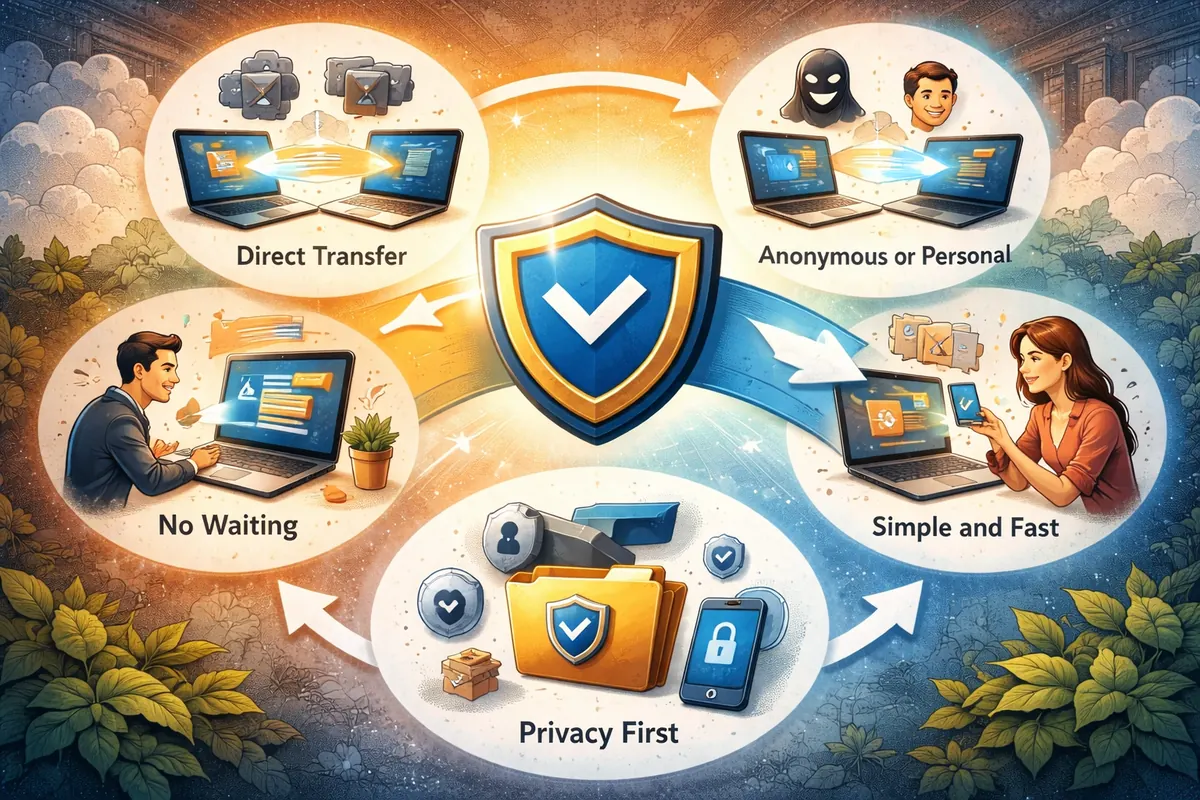
There are countless apps and platforms for sharing files, so why build another one? Because most of them solve the problem by adding a server in the middle — and that server is where the privacy, control and speed problems come from.
How is StrongFolder different?
| Typical cloud transfer | StrongFolder | |
|---|---|---|
| Where the file goes | Uploaded to the service's servers | Directly to the recipient's browser |
| Waiting | Full upload before anyone can download | Download starts at once |
| Copy left behind | Usually for days | None — Files are never uploaded to or stored on a StrongFolder server. |
| Size on free plan | Often capped at 2–5 GB | No limit set by StrongFolder |
| Folders | Usually zipped | Sent as folders |
| Account | Often required for larger sends | Not needed |
| You stay online | No | Yes, until the download ends |
1. Direct transfer, not storage
Files don't go through random cloud servers. They are sent directly from one person to another over an encrypted WebRTC connection. If a direct path is impossible, our relay forwards the encrypted stream without storing it.
2. Anonymous or personal — your choice
You can share without creating an account, or sign in with Google to keep a list of your transfers.
3. No waiting for uploads
Since files move directly, you don't spend an hour uploading a huge file before the recipient can even start.
4. Privacy first
We don't keep your files. The transfer ends when the files reach the recipient and you stop sharing.
5. Folders stay folders
Send a project folder with all its subfolders. No zipping on your side, no unpacking on theirs.
6. Built for the browser
It works in your browser, with no apps to install — or in one click from the Chrome extension.
When is a cloud link still better?
When you can't keep your computer online, or when people need to browse files for weeks, a cloud drive is the better tool. We explain the trade-offs honestly in P2P vs cloud file transfer.
At the end of the day, StrongFolder isn't "yet another file storage service". It gives you control over your data and makes sharing as straightforward as a handshake.