
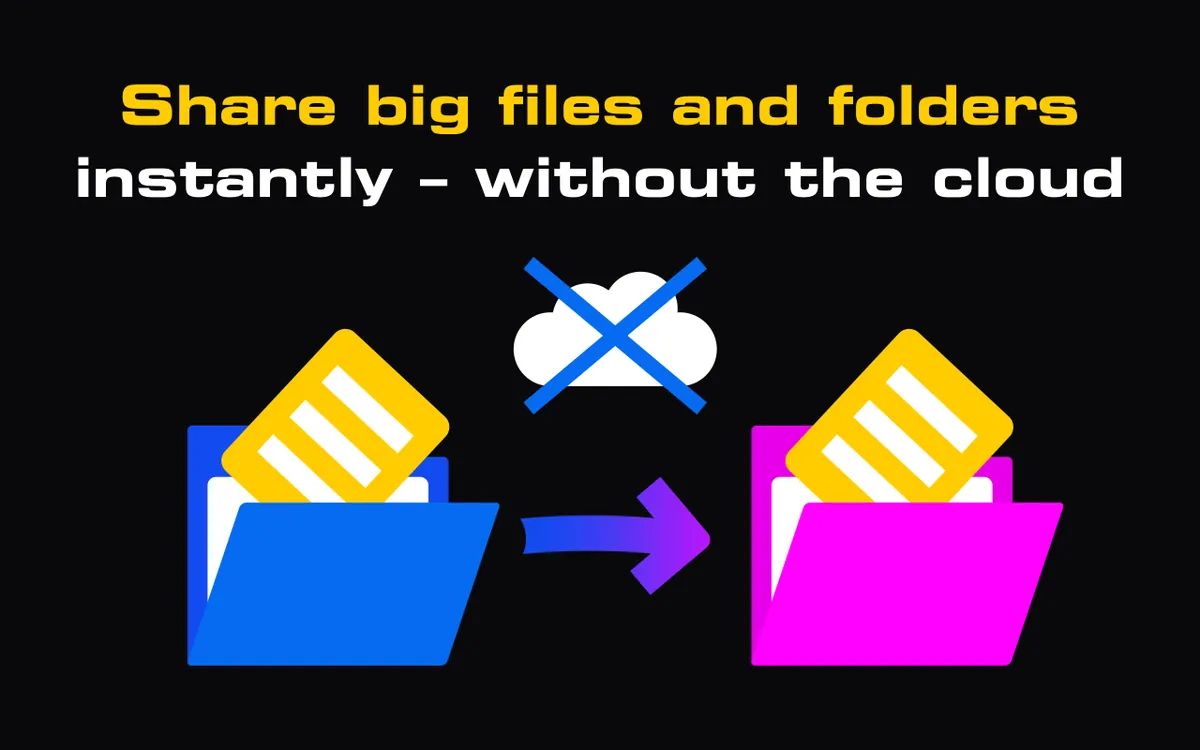
"Where do my files go?" is the question I hear most about StrongFolder, and it deserves a straight answer rather than a slogan. StrongFolder is file sharing without storage: we don't keep your files, by design. But "we don't store anything" would be untrue, so here is exactly what we keep, what we never keep, and where our approach has limits.
What does StrongFolder keep — and what does it never keep?
| Kept by StrongFolder? | |
|---|---|
| File contents | Never. Not on upload, not on a relay, not in a backup |
| File and folder names, sizes, number of files | Yes — this is transfer metadata, needed to create the link |
| Your e-mail address | Only if you sign in with Google, to show your list of transfers |
| A copy "just in case" | No such copy exists |
To create the link, the service keeps transfer metadata: file and folder names, sizes and the number of files. When someone opens your link, they see that list — names and sizes — before they choose where to save. That is why the service needs it.
The contents are a different story. Files are never uploaded to or stored on a StrongFolder server. There is no upload step: the bytes of your files leave your device only when a recipient connects, and they go to that recipient.
How does file sharing without storage work?
Our servers do two small jobs. First, they help the two browsers find each other — this is called signalling, and it carries connection details and the metadata above, not your files. Second, they serve the web app itself.
Then the browsers open a WebRTC connection between them. WebRTC encrypts every data channel with DTLS, so the file stream is encrypted in transit on every connection. The file stream goes over that connection, from your device to the recipient's. If you want the technical picture, How WebRTC file transfer works walks through it step by step.
What about the relay?
Sometimes a direct connection is impossible — a strict corporate firewall, some mobile networks. In those cases the transfer falls back to a StrongFolder TURN relay.
I want to be precise here, because this is where marketing often gets loose. With a relay, your data does pass through our server. It passes through encrypted, and the relay only forwards it: it does not write it to disk or keep a copy. So we say "files are never stored on a server", not "files never touch a server". The second sentence would be false for relayed transfers, and you deserve the accurate one.
Why is a stored copy a risk?
Most transfer services work like a locker. You upload the file, they keep it for a set period — commonly days, sometimes weeks, depending on the service and plan — and anyone with the link can download it during that time.
Nothing about that is malicious. But every day a copy exists is a day it can be exposed:
- The link travels. A link sent to one client gets forwarded to a colleague, pasted into a ticket, saved in a chat history. While the copy exists, the link works for whoever has it.
- Breaches happen to everyone. A server that holds millions of files is a target. A server that holds none is a much less interesting one.
- You can't verify deletion. When a service says the file is deleted after seven days, you have to trust it — including its backups.
- Someone else's rules apply. A stored copy falls under the provider's jurisdiction, terms and legal requests, not just yours.
With StrongFolder, the window is the transfer itself. When you click Stop Sharing or close the tab, there is nothing left on our side to download.
What are the honest limits of this approach?
Not storing files is a real privacy advantage. It is not magic, and I'd rather you knew the limits before you rely on it:
- No password-protected links. Anyone who has the link can connect while you are sharing. Treat the link like a key.
- The link works only while you share. The link works while the sender keeps sharing. When the sender clicks Stop Sharing or closes the tab, the files are no longer available. That is a feature for privacy and a limitation for convenience.
- You must stay online. The sender's browser tab must stay open and online until the recipient finishes downloading — files come from the sender's device, not from a server. If you can't, a cloud link is the better tool — P2P vs cloud file transfer helps you choose.
- Names are metadata. We keep file names to build the link. If a name itself is sensitive — "Q3-layoffs-final.xlsx" — rename it or put the file in an encrypted archive first.
- Encryption in transit, not with your own keys. We don't claim end-to-end encryption with keys you hold, and we don't claim certifications. For regulated data, check your organisation's rules.
How do I share sensitive files safely with StrongFolder?
A simple routine covers most cases:
- Send the link only to the people you mean, through a channel you trust.
- Ask the recipient to confirm when the download has finished.
- Click Stop Sharing straight away.
- For highly sensitive files, pack them into an encrypted archive (for example 7-Zip with AES-256) and give the password by phone or another messenger. This works on top of any transfer method.
The full checklist, with email, cloud drives, SFTP and P2P compared, is in our secure file sharing guide.
Free · in your browser · no sign-up
Why did we choose this design?
Partly because I wanted it as a user — I describe that in Why I started StrongFolder. Partly because it is simply cleaner: a service that never holds your files cannot lose them, leak them or keep them longer than promised. And partly because it keeps things simple for us. We don't run a warehouse of other people's data, which is one reason StrongFolder is free today, with no paid plans at the moment.
Everything above is also on our Security & privacy page, kept up to date. If anything there is unclear, or you think we should keep even less, write to me at info@strongfolder.com.