
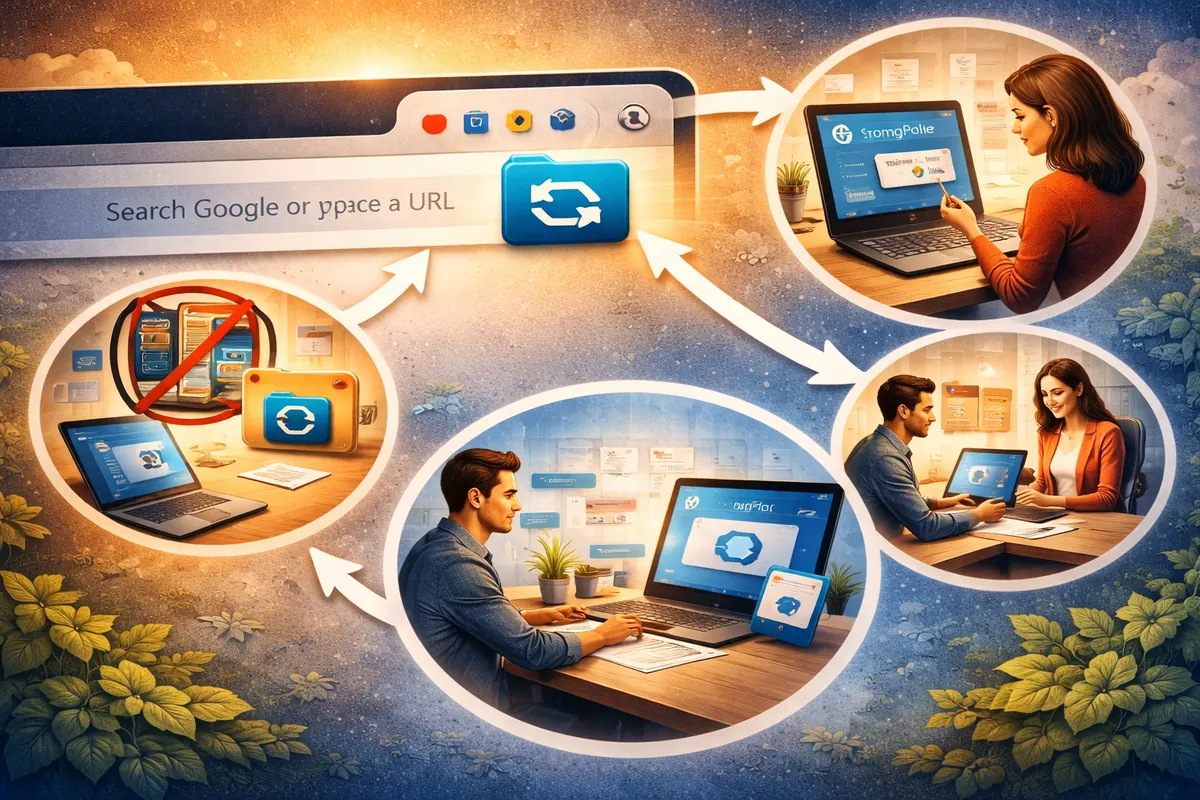
When we started StrongFolder, the idea was simple: make file sharing direct, private and effortless. We quickly realised something important — people don't want another heavy app to install. They want tools where they already spend their time. For most of us, that is the browser.
Why an extension and not a desktop app?
- Always at hand. The extension lives in your browser toolbar — no switching to another app or website.
- One-click sharing. Click the icon, drop files or choose a folder, copy the link.
- Part of everyday work. Chats, e-mail, project tools all run in the browser; StrongFolder fits into that flow.
- Lightweight and current. It takes little space and Chrome keeps it up to date automatically.
- Fewer moving parts. Everything runs in the browser's sandbox — no background services installed on your computer.
Does the extension change how the transfer works?
No. The extension and the web app use the same direct, encrypted WebRTC transfer. Your files are not uploaded or stored, and the recipient doesn't need the extension — a link is enough.
How do I get it?
Add it from the Chrome Web Store, pin it next to the address bar, and click it whenever you need to send something. Step-by-step instructions are on the Chrome extension page.
In short, the extension makes StrongFolder feel less like a separate tool and more like part of how you already use the web.